
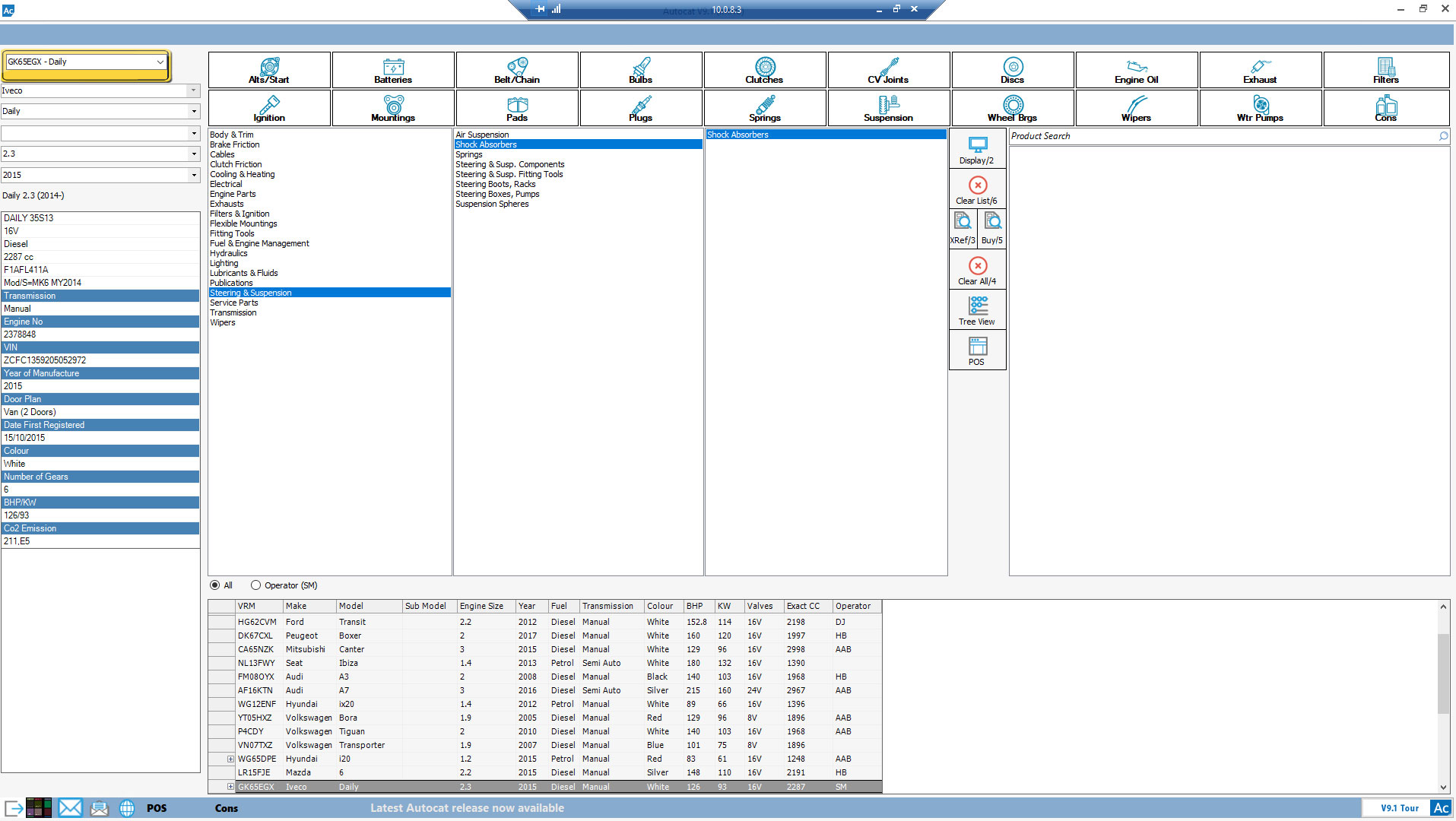
We’re excited to guide you through the process of setting up IMEX on Autocat. Follow these simple steps to get started and gain access to our extensive range of Steering Pumps and Transmission products.
Step-by-Step Setup Instructions:
- Open Parameter & Reports:
- Navigate to the “Parameter & Reports” section in Autocat.
- Select Supplier Preferences:
- Within “Parameter & Reports,” select “Supplier Preferences.”
- Choose PIVOTAL:
- In the Supplier Preferences menu, ensure you select “PIVOTAL.”
- Enter Your Autocat Password:
- Have your Autocat password ready for the next step.
- Set Supplier to Pivotal:
- Make sure the Supplier is set to “Pivotal.”
- Update Preferences:
- Add an “X” in the “Pref” box next to “Steering Pumps” and “Transmission” product ranges to enable these categories.
- Select Supplier Box:
- Ensure the “Supplier” box is selected to finalise the setup.
Download Detailed Instructions:
For a more detailed guide with screenshots, download the instructions as a PDF here.
If you have any questions or need further assistance, please do not hesitate to contact our support team on 01977 553 936.
Thank you for choosing IMEX. We look forward to serving your needs!